CarPlay Missing / Not Activated
Apple CarPlay does not appear in the iDrive menu, or the vehicle supports CarPlay, but the feature has not been activated.

WhatsApp Support: +1 (657) 229 1838
ARMHEX provides professional BMW CarPlay Activation and remote coding for supported iDrive 7 and iDrive 8 vehicles. We remotely enable Apple CarPlay, Wireless CarPlay, and Full Screen CarPlay on compatible BMW MGU systems, giving you factory-style iPhone integration directly through the original iDrive display, without installing an aftermarket CarPlay module. CarPlay missing from the iDrive menu, not activated, or unavailable on your BMW? Our remote BMW CarPlay coding service is completed online using a Windows laptop and ENET cable. No dealer or workshop visit is required. Connect your BMW, start the remote session, and our BMW coding specialist completes the required CarPlay activation, coding, and FSC procedure for your supported vehicle.
Everything you need to activate Apple CarPlay on your BMW remotely, using the original iDrive system with no aftermarket CarPlay hardware.
You typically need BMW CarPlay Activation or coding when Apple CarPlay is supported by the vehicle but is missing from iDrive, not activated, unavailable, or limited by the current configuration. This is also common after certain head-unit replacements, software/programming work, or when the required CarPlay / Smartphone Integration FSC activation is not present or valid. ARMHEX provides remote BMW CarPlay activation for supported iDrive 7 and iDrive 8 systems, including applicable CarPlay coding, FSC activation, and Full Screen CarPlay configuration. The service is completed remotely using an ENET cable and Windows, with no dealer visit or aftermarket CarPlay module required.
Apple CarPlay does not appear in the iDrive menu, or the vehicle supports CarPlay, but the feature has not been activated.
CarPlay is already working, but you need Full Screen CarPlay coding on a supported BMW infotainment system.
CarPlay is unavailable or activation-related functions are missing after programming, head-unit work, or an FSC-related issue, and require proper diagnosis and activation.
When Apple CarPlay is missing or unavailable in BMW iDrive, the problem may be related to CarPlay activation, FSC/Smartphone Integration, coding, or the vehicle's infotainment configuration. Technicians and BMW owners commonly report CarPlay not showing in the iDrive menu, activation unavailable, Full Screen CarPlay not enabled, or CarPlay disappearing after programming or head-unit work. Not every CarPlay problem requires coding. Bluetooth pairing, Wi-Fi connection, iPhone settings, or intermittent disconnection issues should be diagnosed separately. When the problem is activation-related, ARMHEX can check compatibility and perform the required BMW CarPlay remote coding and activation for supported iDrive systems.
Our BMW CarPlay Activation service remotely enables Apple CarPlay on supported iDrive 7 and iDrive 8 systems. Using an ENET cable and a Windows laptop, our BMW coding specialist performs the required CarPlay coding and FSC activation online. No dealer visit or aftermarket CarPlay module is required. Everything is completed remotely on the vehicle's original BMW infotainment system.
After successful BMW CarPlay activation and coding, Apple CarPlay is enabled on the supported iDrive system, providing factory-style iPhone integration through the original BMW display. Depending on vehicle compatibility, the service can include Wireless CarPlay, Full Screen CarPlay, and the required FSC activation, with no aftermarket hardware installed.
CarPlay is missing from iDrive, unavailable, or not activated on the supported BMW infotainment system.
CarPlay is enabled and ready for factory-style iPhone integration through the original BMW iDrive display.
After successful BMW CarPlay activation and remote coding, Apple CarPlay is enabled on the supported iDrive system. Connect your iPhone and access compatible navigation, calls, messages, music, and apps directly through the BMW display. Depending on vehicle compatibility, Wireless CarPlay and Full Screen CarPlay can also be enabled for a factory-style experience.
Enable Apple CarPlay on your original BMW iDrive system for seamless access to compatible navigation, calls, messages, music, and apps through the factory display.
Get BMW CarPlay activated remotely using an ENET cable and a Windows laptop. No dealer visit or aftermarket CarPlay module is required for supported vehicles.
Our BMW CarPlay Activation and remote coding service supports many vehicles equipped with compatible iDrive 7 and iDrive 8 infotainment systems. Available activation methods, Full Screen CarPlay, and other functions depend on the BMW head unit, software version, factory options, and vehicle configuration. Not sure if your BMW supports remote CarPlay activation? Send ARMHEX your VIN before booking, and we will verify compatibility and the required activation method.
G20 / G21 3 SeriesG22 / G23 / G26 4 SeriesG30 / G31 5 SeriesG11 / G12 7 SeriesG14 / G15 / G16 8 SeriesG01 X3G02 X4G05 X5G06 X6G07 X7G29 Z4G20 / G21 3 SeriesG22 / G23 / G26 4 SeriesG60 / G61 5 SeriesG70 7 SeriesU10 / U11 X1G45 X3G05 X5G06 X6G07 X7G09 XMG26 i4G60 i5G70 i7U11 iX1I20 iXA clear 5-step remote path — from compatibility check to post-service guidance.
Any remote session starts here. Contact us on WhatsApp and check compatibility.
Buy the service and schedule the service at your best time. We will send you the remote session software.
Prepare everything for a safe remote session.
We contact you on WhatsApp and start a remote session.
We verify the results, confirm the module operates correctly, and clear any applicable errors.
ENET Cable
Stable Internet & Windows
ArmHex Remote Session Software
Battery Maintainer
You may need ENET Cable & USB Adapter (Contact us)
Minutes for the most compatible models.
Yes, many BMW vehicles with compatible iDrive systems can have Apple CarPlay activated through coding/software. Compatibility depends on the head unit, software level, factory options, and vehicle configuration. Send us your VIN before booking, and we can confirm support.
Yes. For supported vehicles, ARMHEX performs BMW CarPlay activation remotely. You connect a Windows laptop to the BMW using an ENET cable, and our technician completes the required coding and activation online.
You typically need a Windows laptop, an Ethernet cable, a stable high-speed internet connection, and access to the vehicle. We connect remotely to your laptop and perform the activation.
No, not for vehicles supported by this service. Apple CarPlay is activated through the original BMW infotainment system, so no aftermarket CarPlay box or replacement display is required.
On compatible BMW systems, yes. Wireless Apple CarPlay allows your iPhone to connect to the factory BMW iDrive system without keeping the phone connected by USB. Compatibility is verified before activation.
Yes, Full Screen CarPlay coding is available on supported BMW infotainment systems and software versions. If your BMW currently displays CarPlay in a reduced or split-screen layout, contact us with your VIN to confirm Full Screen support.
BMW uses FSC enabling/activation data for certain infotainment functions. Depending on the vehicle and head-unit configuration, the required FSC-related procedure may be part of enabling Apple CarPlay or Smartphone Integration.
CarPlay may be missing because it was not activated, the required Smartphone Integration configuration is unavailable, or there is an FSC/coding issue. However, missing CarPlay can have other causes, so we verify the vehicle configuration before performing activation.
In supported cases, yes. If CarPlay disappeared after programming, flashing, or head-unit work, we can check the current configuration and determine whether CarPlay coding or activation needs to be restored.
Yes, we support many BMW vehicles equipped with iDrive 7 and compatible iDrive 8/newer infotainment systems. The exact procedure varies by head unit, software version, and vehicle configuration, so VIN verification is recommended.
Most supported activations can be completed during a short remote session. The exact time depends on the BMW infotainment system, software level, vehicle configuration, and the activation procedure required.
The service is intended as a one-time software activation, rather than a recurring subscription. However, future dealer programming, software changes, head-unit replacement, or changes to the vehicle configuration can affect previously coded or activated functions.
Yes. ARMHEX uses an ENET connection for remote BMW CarPlay coding and activation on supported vehicles. You do not need to purchase professional BMW programming equipment for the remote session.
Potentially, yes. CarPlay availability can vary by market and vehicle configuration. Send us the VIN and current iDrive information so we can check whether remote activation is supported.
Not always. CarPlay activation enables the feature when the existing BMW hardware and configuration support it. A true CarPlay retrofit may require additional hardware or configuration when the vehicle does not have the necessary equipment.
Possibly, but a replacement or donor MGU may first require VIN matching, FSC work, coding, or MGU preparation. If the used head unit is still configured for another vehicle, our separate BMW MGU OBD Patch & Virginize service may be required before CarPlay activation.

ASE Expert Programming

OEM-Level Programming

ArmHex is a BBB-Accredited Business

100% Guaranteed to Work
Activate BMW Apple CarPlay remotely on supported iDrive 7 & 8 systems. Fast online coding via ENET, no dealer visit required.
 $149
$149
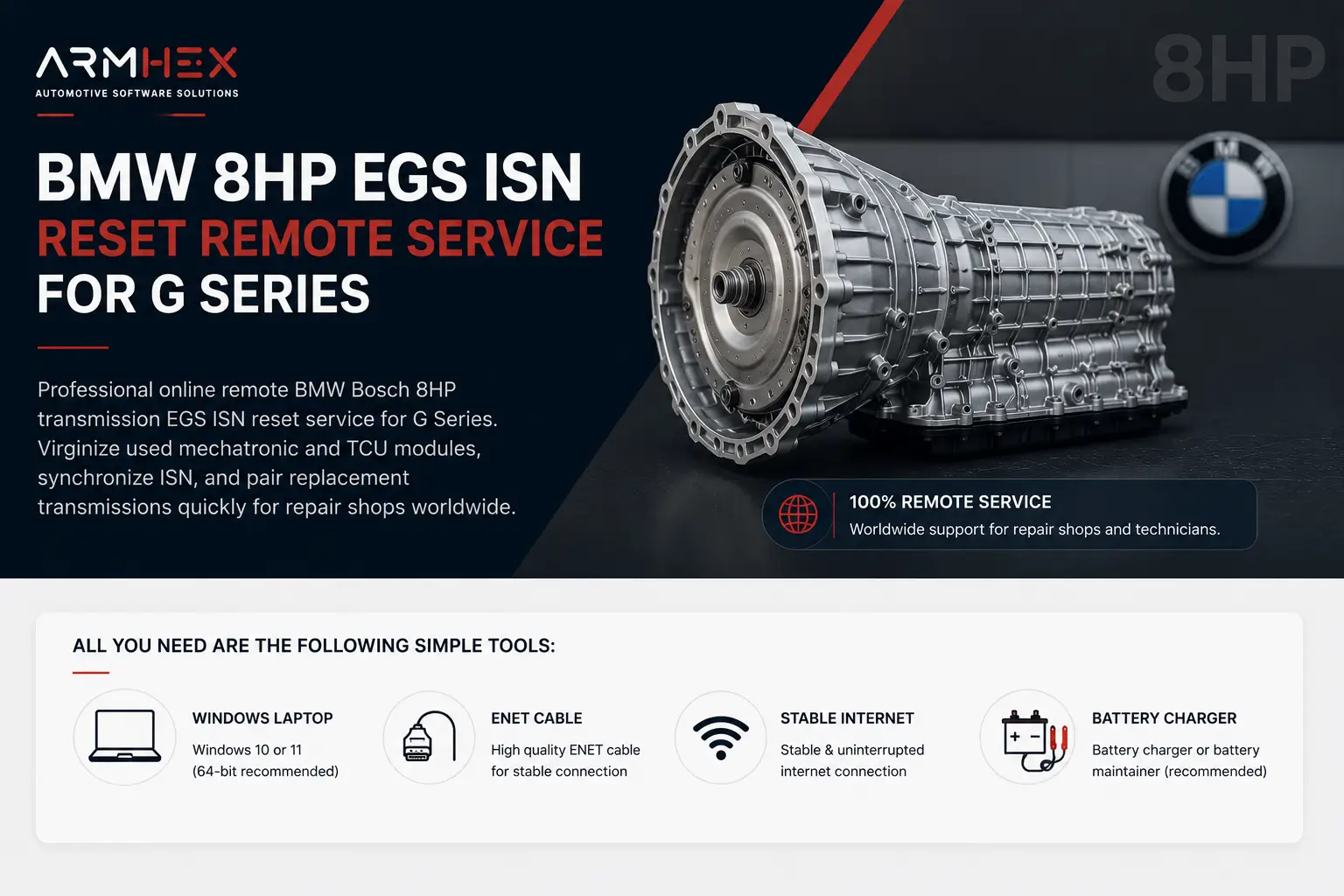
Professional online remote BMW used 8HP transmission EGS ISN reset service. Virginize used mechatronic and TCU modules, synchronize ISN betw…
View service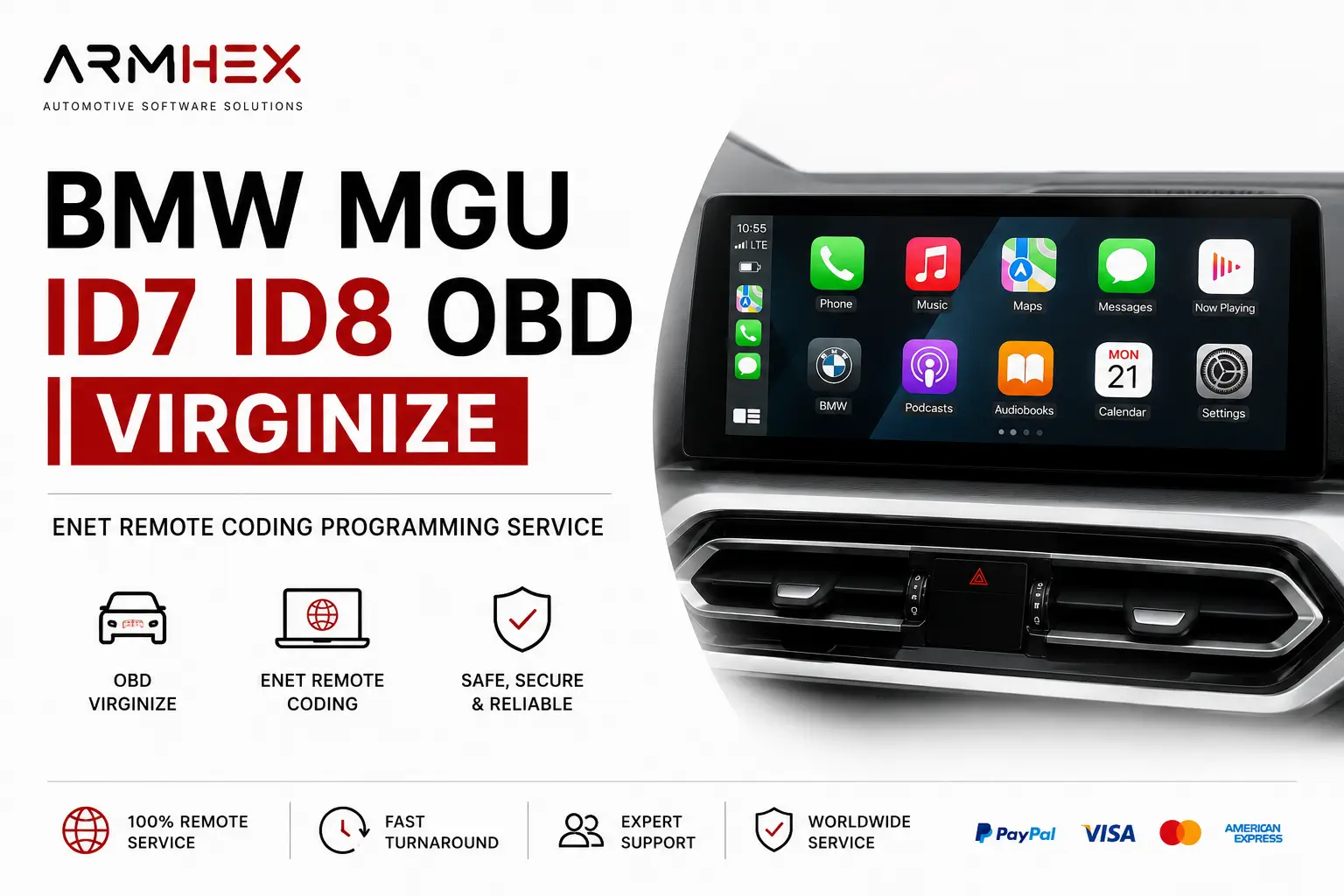 $250
$250
BMW MGU ID7 ID8 OBD Patch & Virginize remote service. Reset or renew used MGU units via ENET for replacement, retrofit, coding, and programm…
View service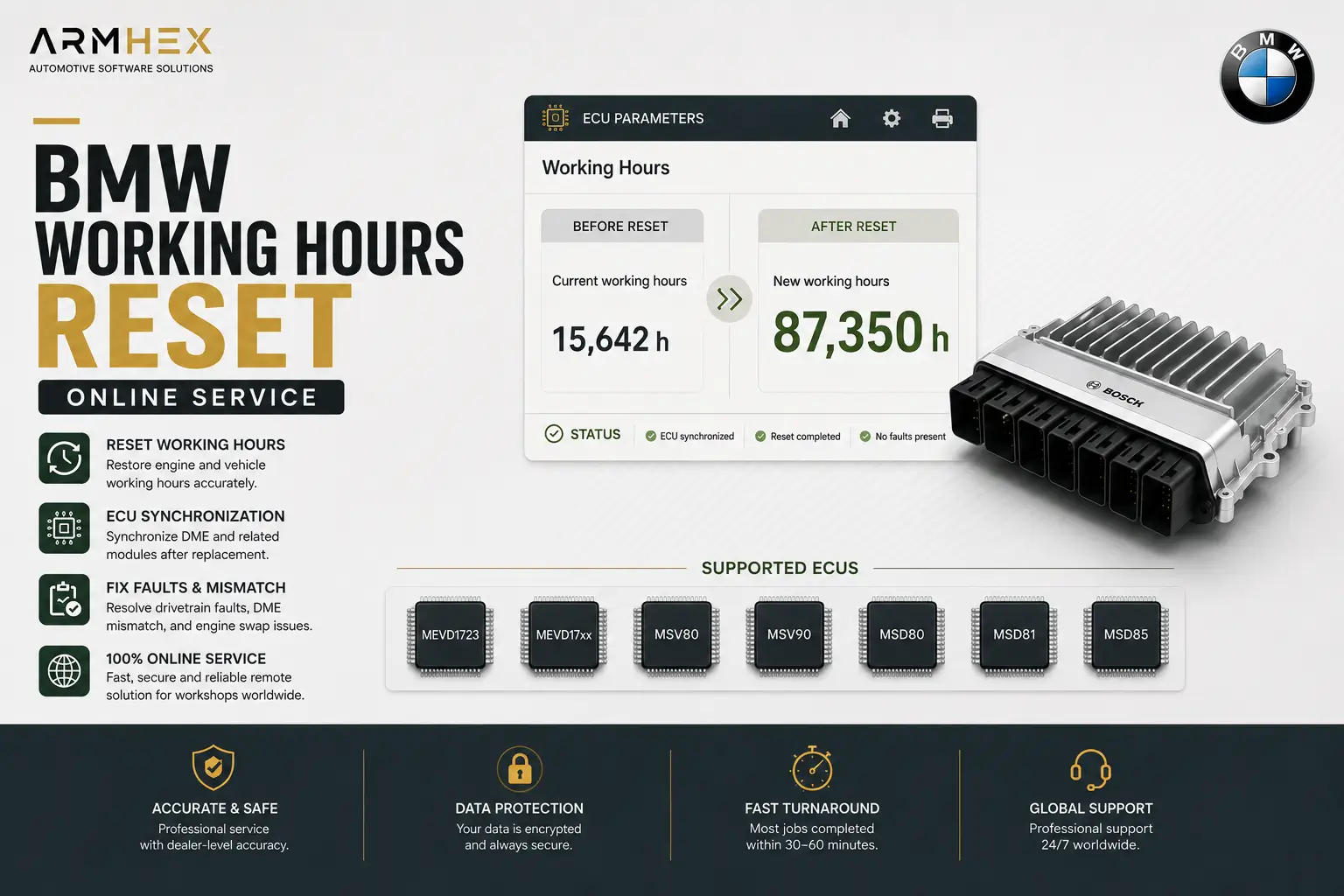 $149
$149
Professional BMW working hours reset and ECU synchronization online service for MEVD1723, MEVD17xx, MSV80, MSV90, MSD80, MSD81, MSD85 ECUs.…
View service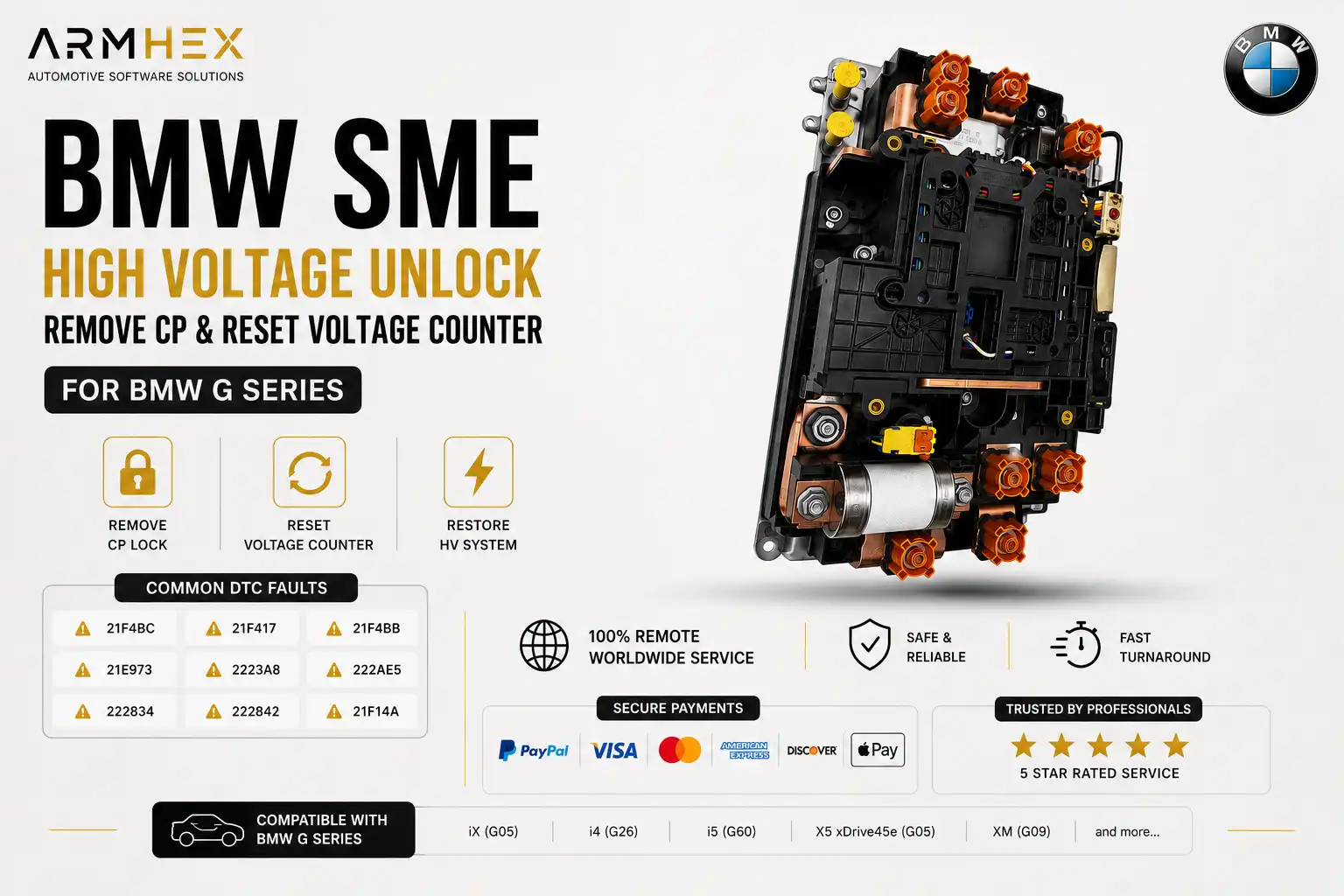 $249
$249
BMW SME HV battery reset & unlock remote service. Remove Component Protection, reset HV counters, program used or replacement SME modules &…
View service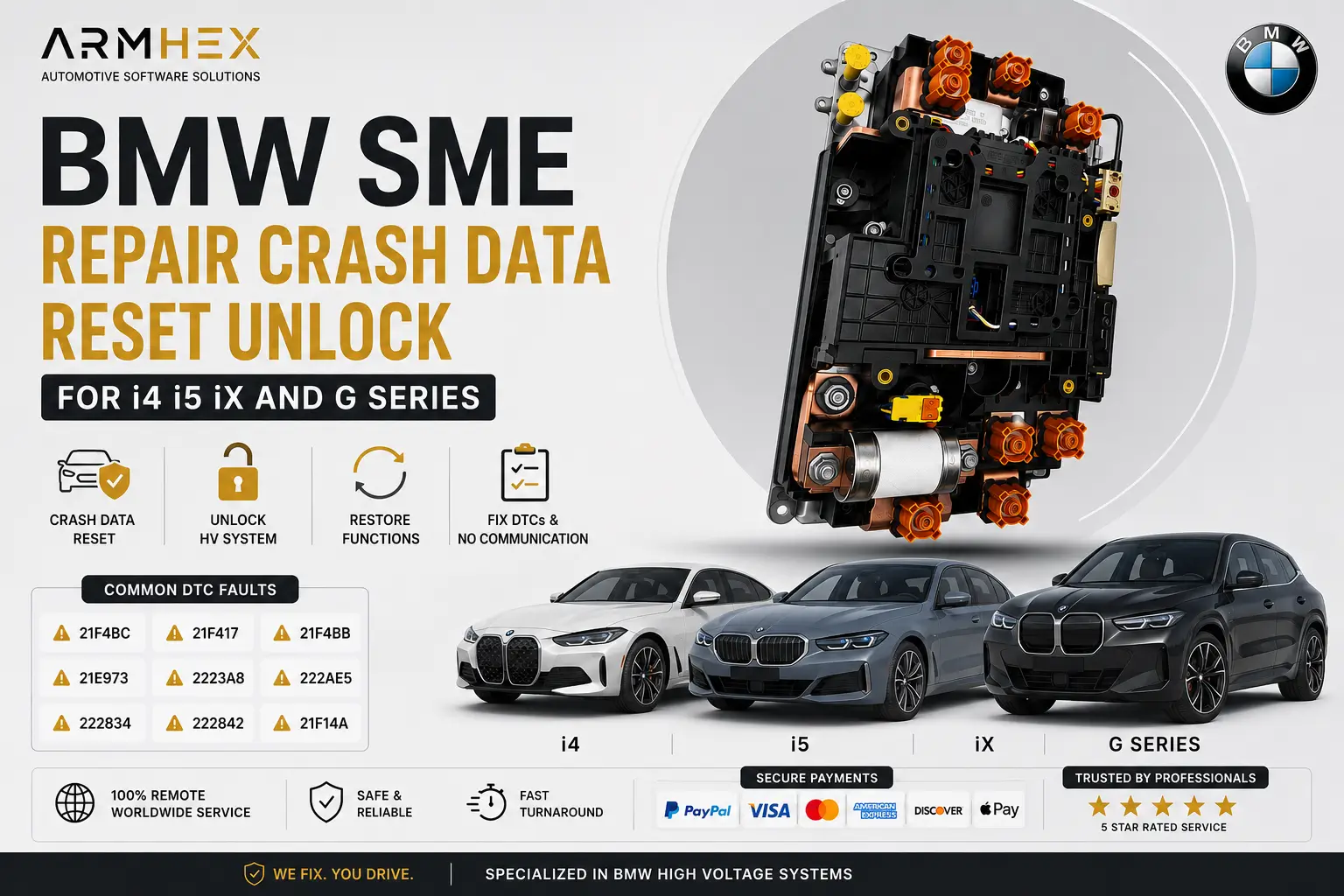 $249
$249
Online BMW SME crash data reset, HV battery unlock, and remote programming coding for i4, i5, iX & G Series. Repair crash faults and restore…
View service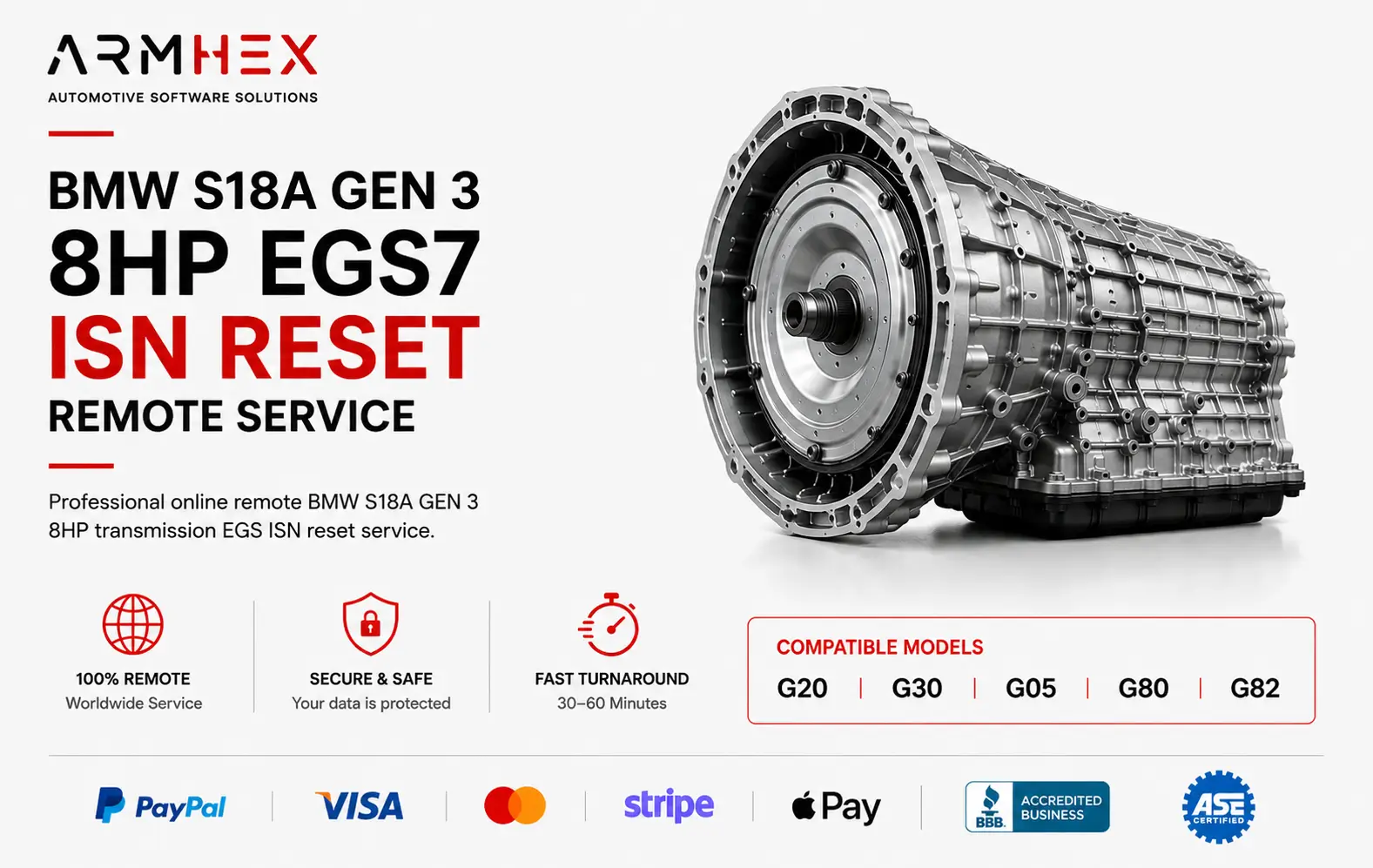 $149
$149
Professional online remote BMW S18A GEN 3 8HP transmission EGS ISN reset service for BMW ZFBCE, ZFBCC, GKEB23TU, GKEG3HY. Virginize used mec…
View serviceGlobal Automotive Expertise
Remote automotive programming and technical support, connecting workshops with specialized experts wherever they are.