Android Auto Missing
Android Auto does not appear in the Mercedes infotainment menu.

WhatsApp Support: +1 (657) 229 1838
ARMHEX provides professional Mercedes Android Auto Activation and remote coding for compatible NTG5, NTG5.5, and MBUX systems. Enable Android Auto and Smartphone Integration through the original Mercedes infotainment system; no aftermarket screen or Android Auto module required when the factory hardware supports activation. Android Auto missing, unavailable, or not activated? Send us your VIN for a compatibility check. For supported vehicles, our specialist completes the required Android Auto coding and activation remotely using your Windows laptop and compatible diagnostic interface.
Everything you need to activate Mercedes Android Auto remotely using the original infotainment system.
You may need Mercedes Android Auto Activation when compatible factory hardware is present, but Android Auto or Smartphone Integration is missing, unavailable, or not enabled. Compatibility depends on the head unit, software, factory equipment, and vehicle configuration, so we verify the VIN before activation.
Android Auto does not appear in the Mercedes infotainment menu.
Compatible equipment is present, but Android Auto / Smartphone Integration is not enabled.
The vehicle requires the appropriate coding or software configuration to enable Android Auto.
When Android Auto is missing or unavailable, the issue may be related to Smartphone Integration, coding, software, or infotainment configuration. Phone, USB, and connectivity problems should be diagnosed separately.
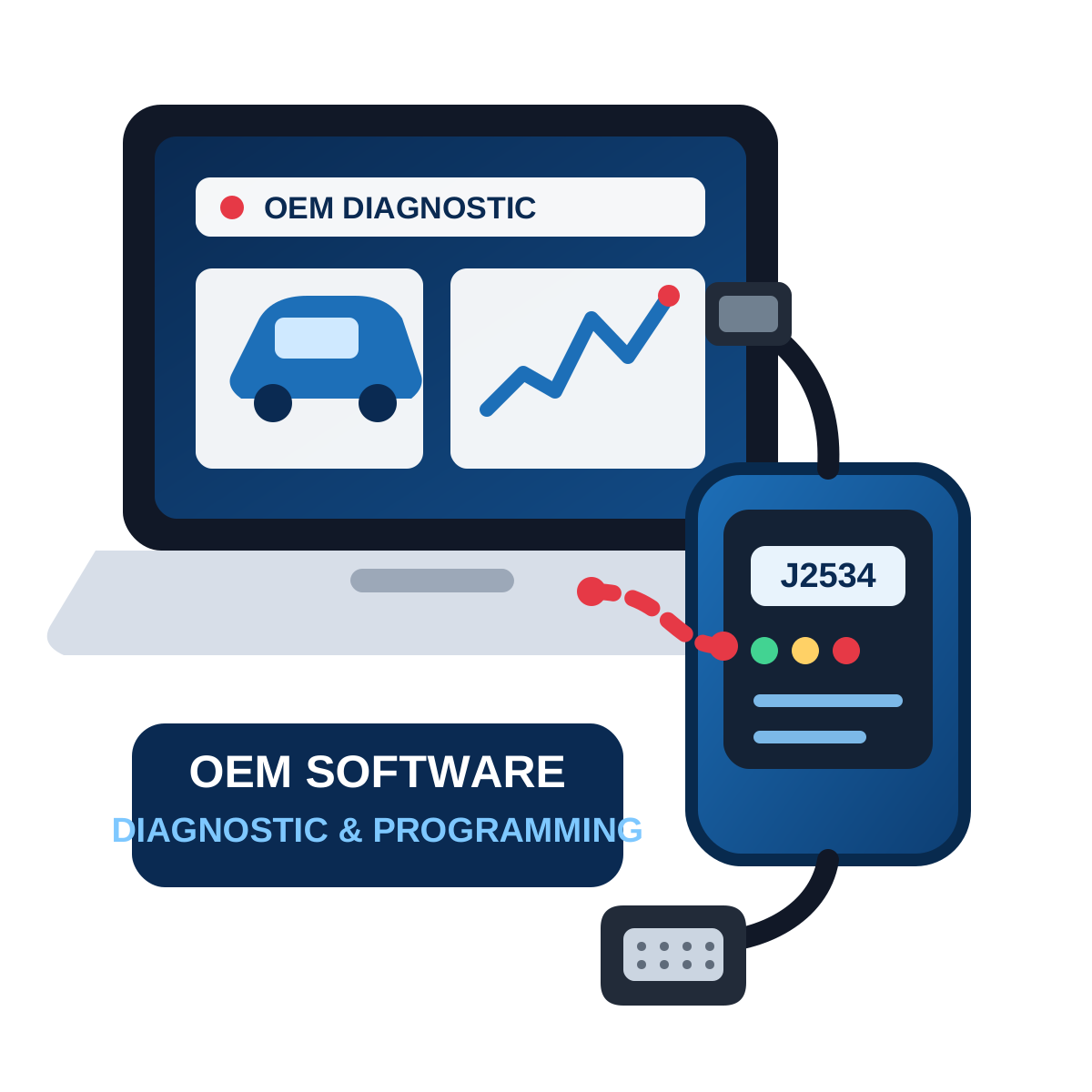
For compatible vehicles, ARMHEX performs Mercedes Android Auto activation and coding remotely using your Windows laptop and supported diagnostic interface. We verify compatibility first, then complete the required activation on the original Mercedes infotainment system.
After successful activation, Android Auto / Smartphone Integration is enabled on the supported Mercedes infotainment system. Connect your compatible Android phone to access Google Maps, Waze, calls, messages, music, and supported apps through the Mercedes display.
Android Auto or Smartphone Integration is unavailable on the compatible Mercedes system.
Android Auto is enabled through the original Mercedes infotainment system.
Connect your compatible Android phone and use supported navigation, calls, messages, music and apps through the Mercedes display.
Use Android Auto through the original Mercedes infotainment system for Google Maps, Waze, calls, messages, music and compatible apps.
Get Mercedes Android Auto activated remotely using a Windows laptop and a compatible interface; no aftermarket module required on supported vehicles.
Our Mercedes Android Auto Activation service supports many vehicles equipped with compatible Smartphone Integration hardware/software. Support depends on the head unit, production date, software, factory options, and vehicle configuration. Not Sure? Send your full 17-digit VIN before booking. We will verify whether your vehicle and infotainment configuration support the required remote activation.
A-Class, B-Class, CLA, GLA, C-Class, GLC, E-Class, CLS, GLE, GLS, SLCW205 / C205 / S205 C-Class, W213 E-Class, W222 S-Class, X253/C253 GLC, C257 CLSW177 A-Class, W247 B-Class, C118 CLA, H247 GLA, X247 GLB, W167 GLE, X167 GLS, Other MBUX-equipped Mercedes-Benz vehiclesA clear 5-step remote path — from compatibility check to post-service guidance.
Any remote session starts here. Contact us on WhatsApp and check compatibility.
Buy the service and schedule the service at your best time. We will send you the remote session software.
Prepare everything for a safe remote session.
We contact you on WhatsApp and start a remote session.
We verify the results, confirm the module operates correctly, and clear any applicable errors.
OpenPort, C4, C6, ENET, or another supported device
Stable Internet & Windows
ArmHex Remote Session Software
Battery Maintainer
You may need J2534 compatible & USB Adapter (Contact us)
Minutes for the most compatible models.
Yes, on many compatible Mercedes infotainment systems. Support depends on the head unit, software, factory equipment and configuration.
Yes. Supported vehicles can be activated remotely using a Windows laptop and a compatible diagnostic interface.
Send us your 17-digit VIN before booking. We will check compatibility and determine the required procedure.
Smartphone Integration allows compatible smartphone functions to operate through the Mercedes multimedia system and includes technologies such as Android Auto and Apple CarPlay.
Not when the existing Mercedes hardware supports software activation. Incompatible systems may require a hardware retrofit instead.
Some NTG5/NTG5.x configurations support Android Auto, while others cannot be enabled through coding alone. VIN/head-unit verification is required.
Many compatible NTG5.5 configurations support Smartphone Integration/Android Auto, but the exact hardware and software configuration must be checked.
Yes. Compatible MBUX systems support Android Auto through Smartphone Integration. Mercedes explicitly documents Android Auto as an available Smartphone Integration application.
It depends on the infotainment generation and configuration. Do not assume every NTG5/NTG5.5/MBUX vehicle supports the same connection method.
Possible causes include incompatible hardware, software/configuration differences, missing Smartphone Integration, or activation/coding requirements.
No. Activation is different from USB, cable, phone, Bluetooth, or connectivity faults.
Potentially. If Android Auto disappeared after programming or head-unit work, the current configuration should first be checked.
A typical supported remote session may take around 30–60 minutes, depending on the vehicle and required procedure.
Many compatible Smartphone Integration systems support both. Apple CarPlay should be handled through your separate Mercedes Apple CarPlay Activation service page.
Where applicable, the service is a one-time software activation. Future programming, software changes, or head-unit replacement may affect previously activated functions.
No. Activation enables functionality supported by existing hardware. A retrofit may require additional or replacement hardware.
ASE Expert Programming
OEM-Level Programming

ArmHex is a BBB-Accredited Business
100% Guaranteed to Work
Activate Mercedes Android Auto remotely on your compatible factory infotainment system. Send your VIN first to confirm compatibility.
 $149
$149
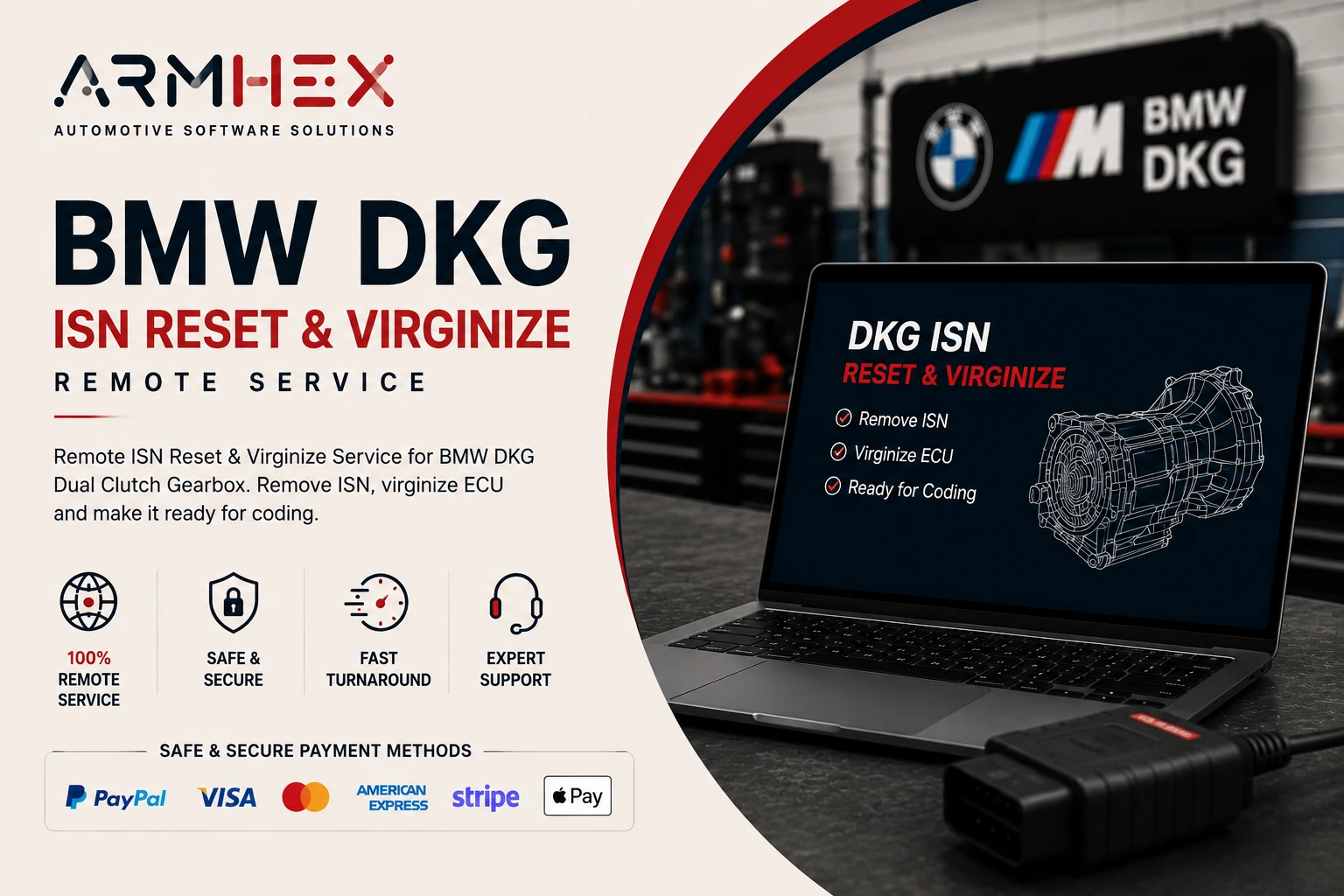
Remote BMW DKG ISN reset and virginization service for GS7D36SG and GS7D36BG transmissions. Fix no gear engagement, ISN mismatch, and drivet…
View service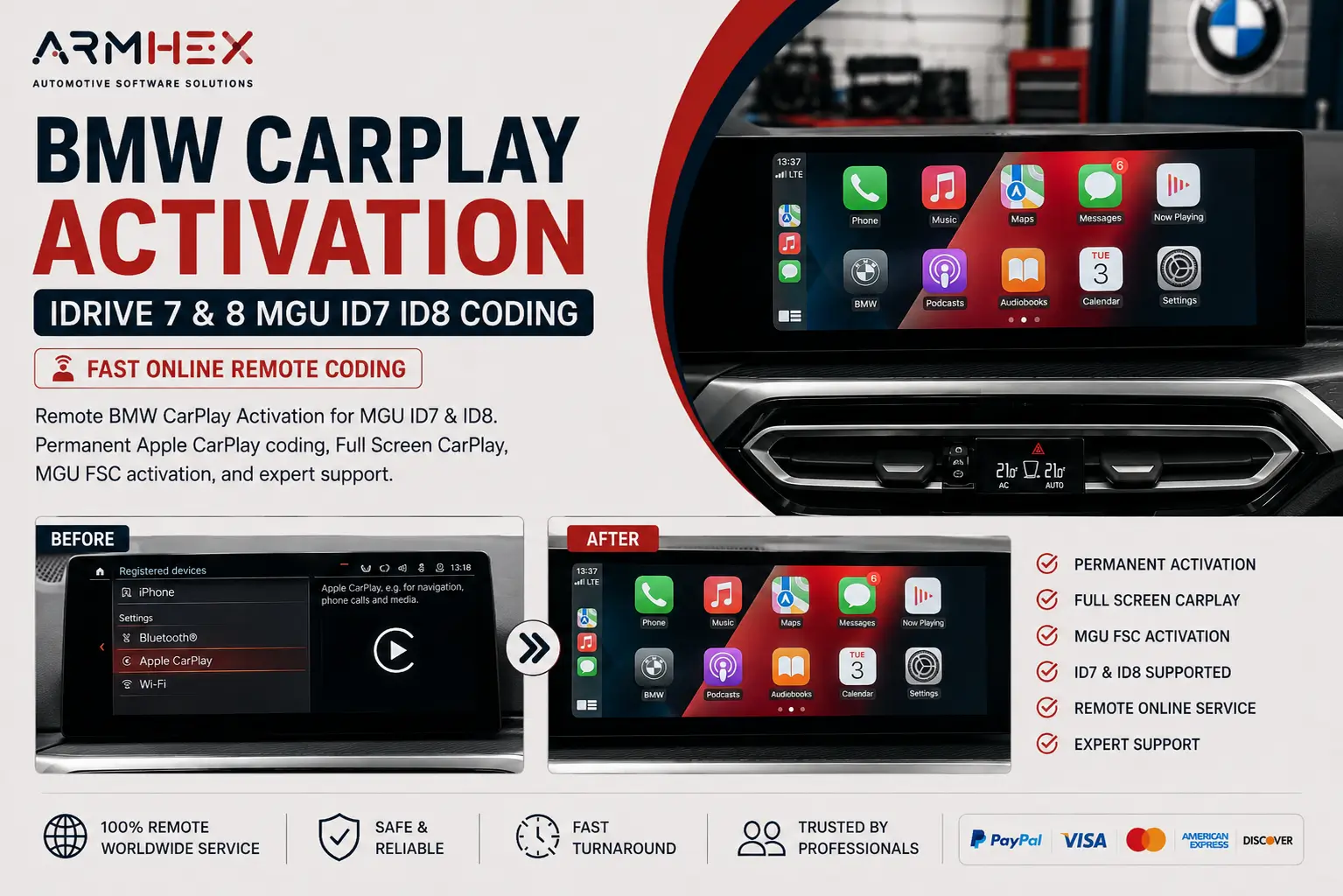 $250
$250
BMW Apple CarPlay Activation for iDrive 7 & 8 MGU ID7 ID8. Remote CarPlay coding, Full Screen CarPlay, and FSC activation with expert online…
View service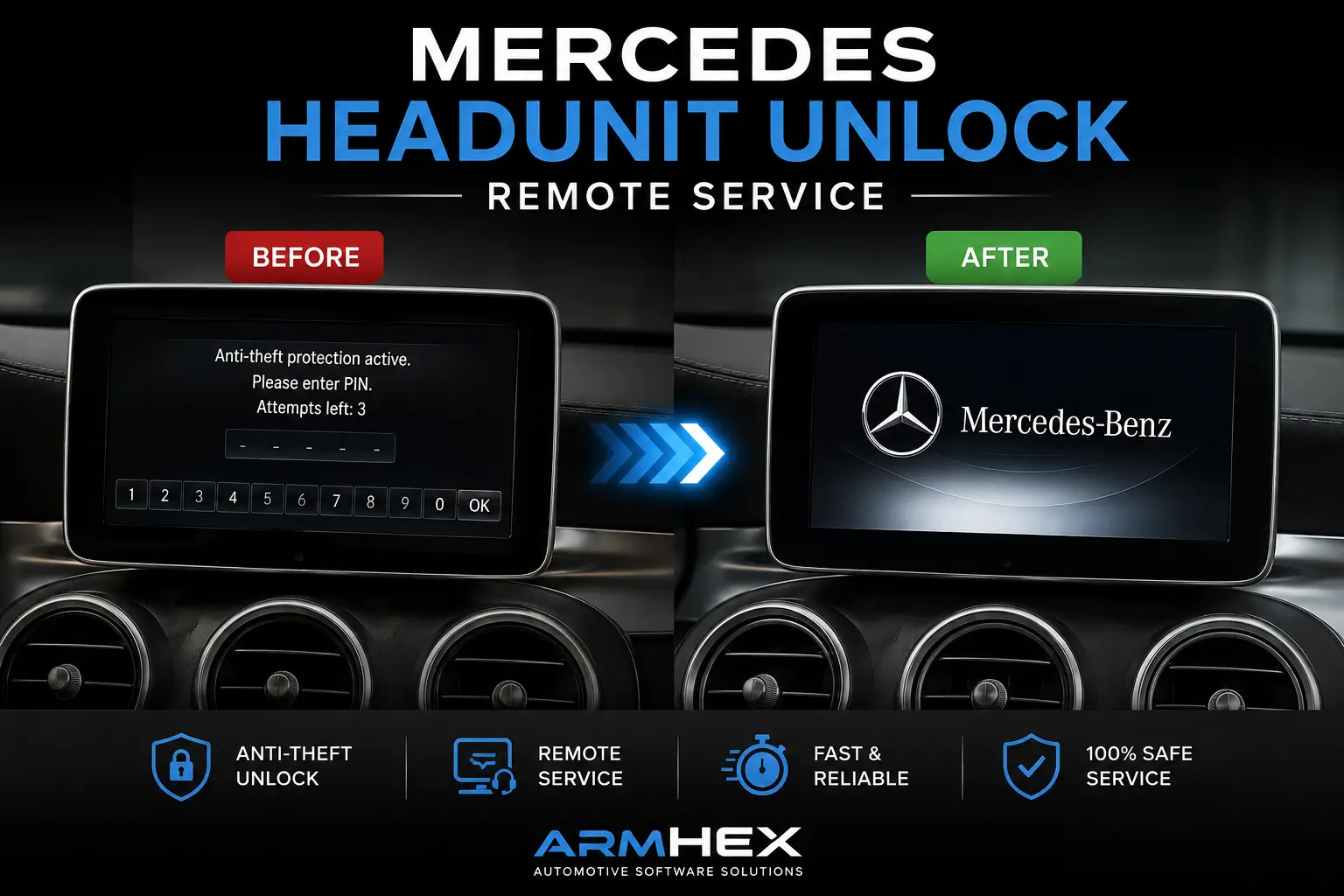 $250
$250
Mercedes headunit Anti-Theft PIN Code and remote unlock service for NTG4, NTG4.5, NTG5, NTG5.5, NTG6, NTG7, and Gen20x. Fix B156100 / 9561 a…
View service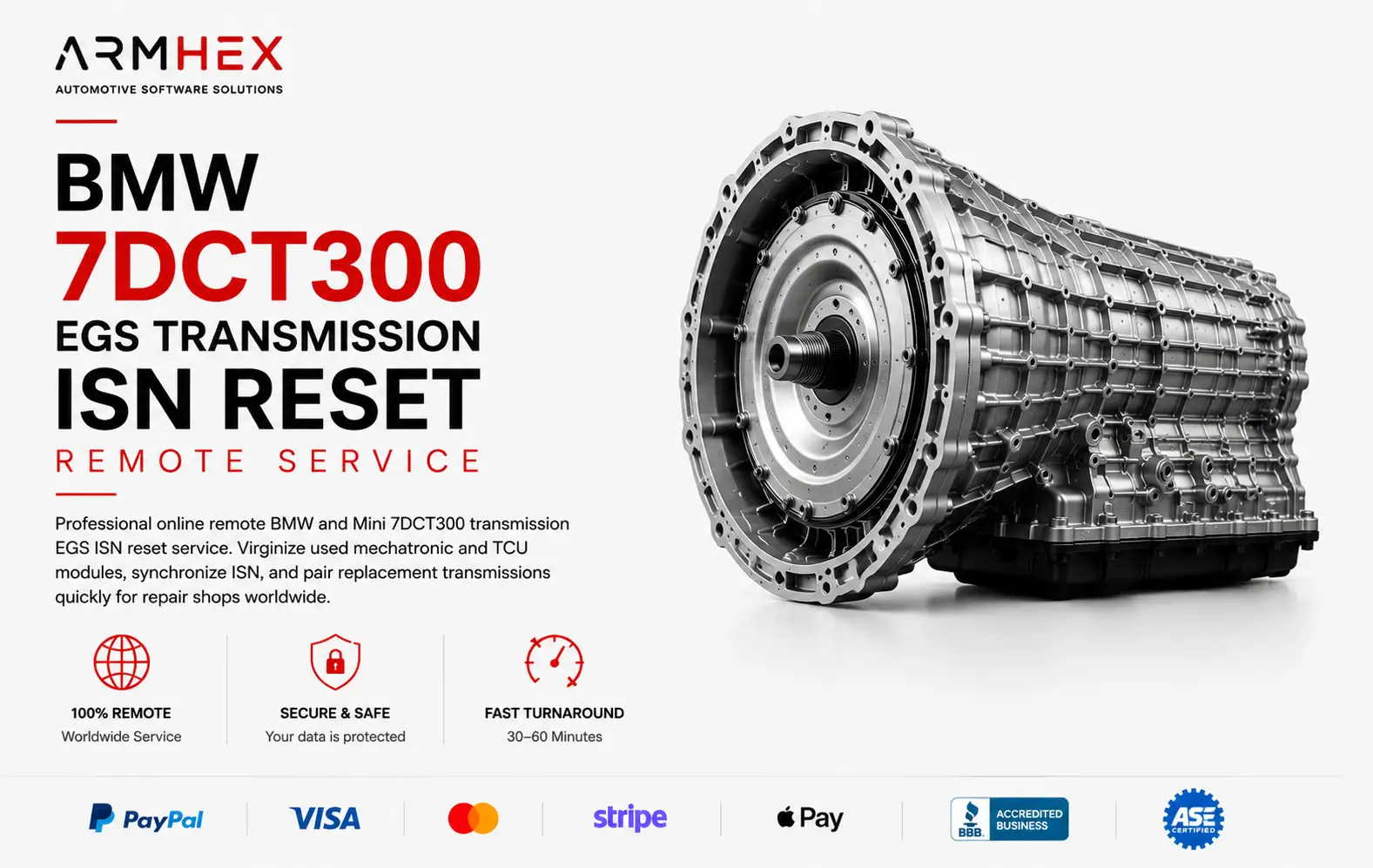 $149
$149
Professional online remote 7DCT300 transmission EGS ISN reset service for BMW and MINI, X1, X2. Virginize used mechatronic and TCU modules,…
View service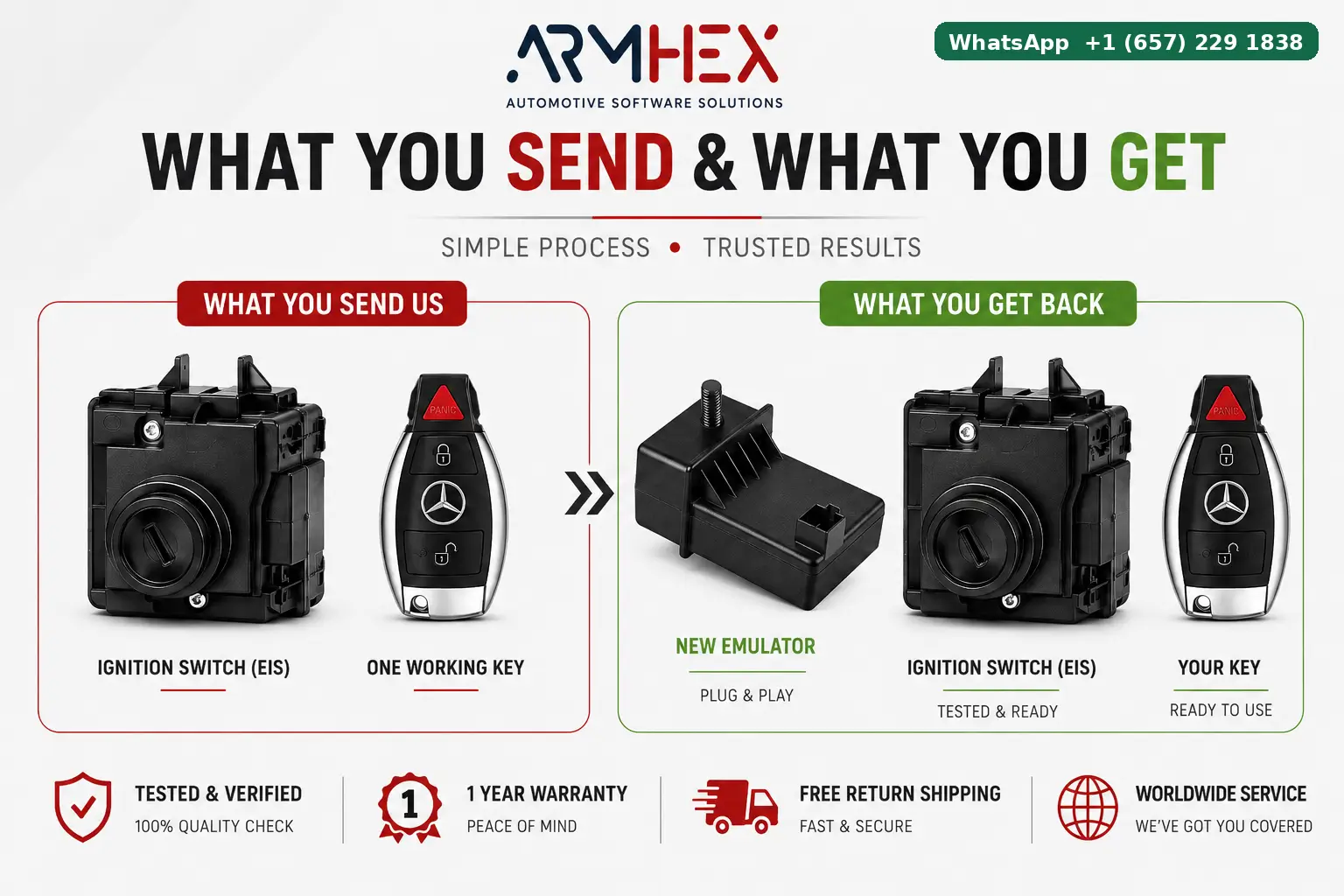 $98
$98
Mercedes ESL emulator programming for W204, W207, W212 & X204 up to 2014. Fix steering lock no-start with a programmed plug-and-play emulato…
View service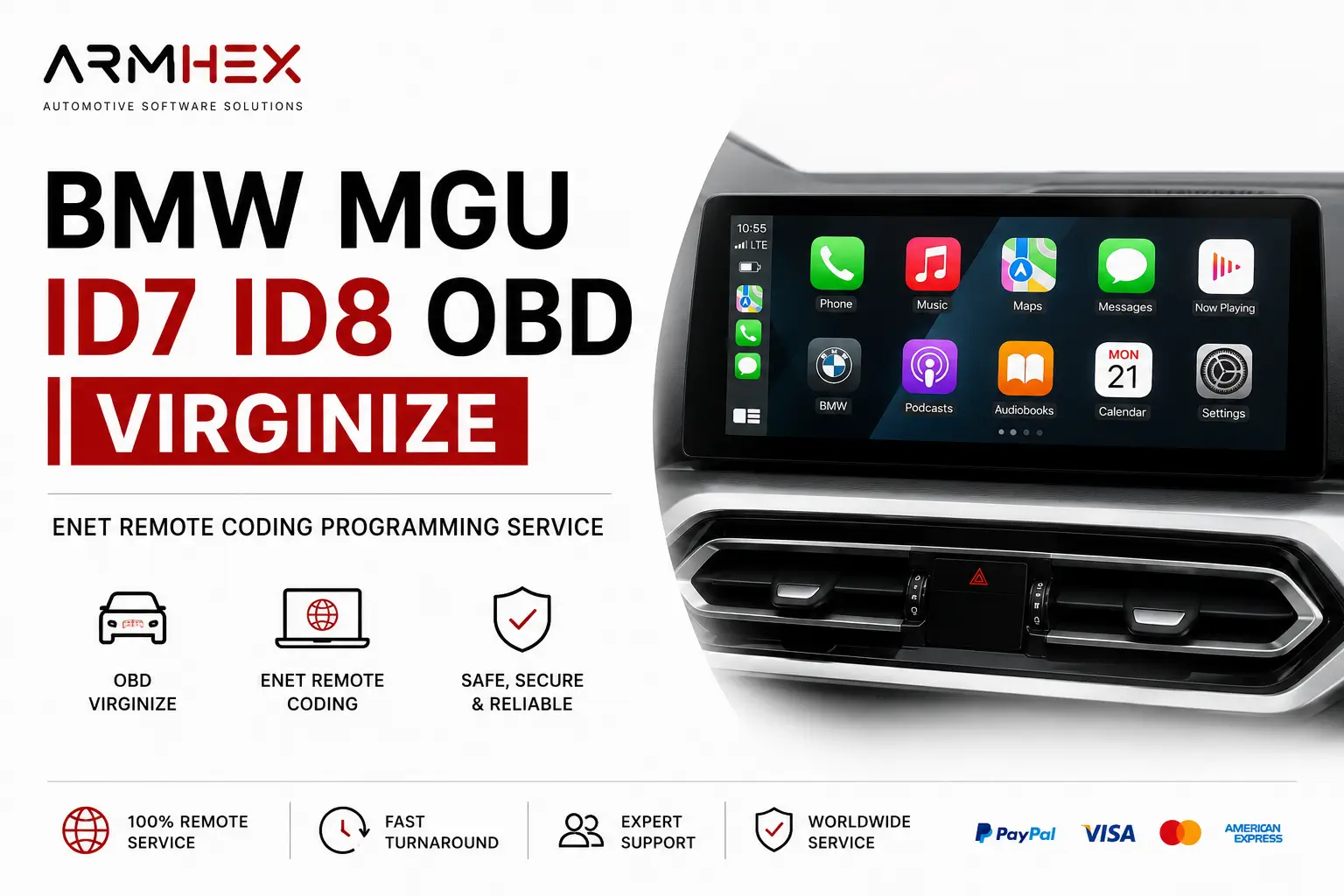 $250
$250
BMW MGU ID7 ID8 OBD Patch & Virginize remote service. Reset or renew used MGU units via ENET for replacement, retrofit, coding, and programm…
View serviceGlobal Automotive Expertise
Remote automotive programming and technical support, connecting workshops with specialized experts wherever they are.