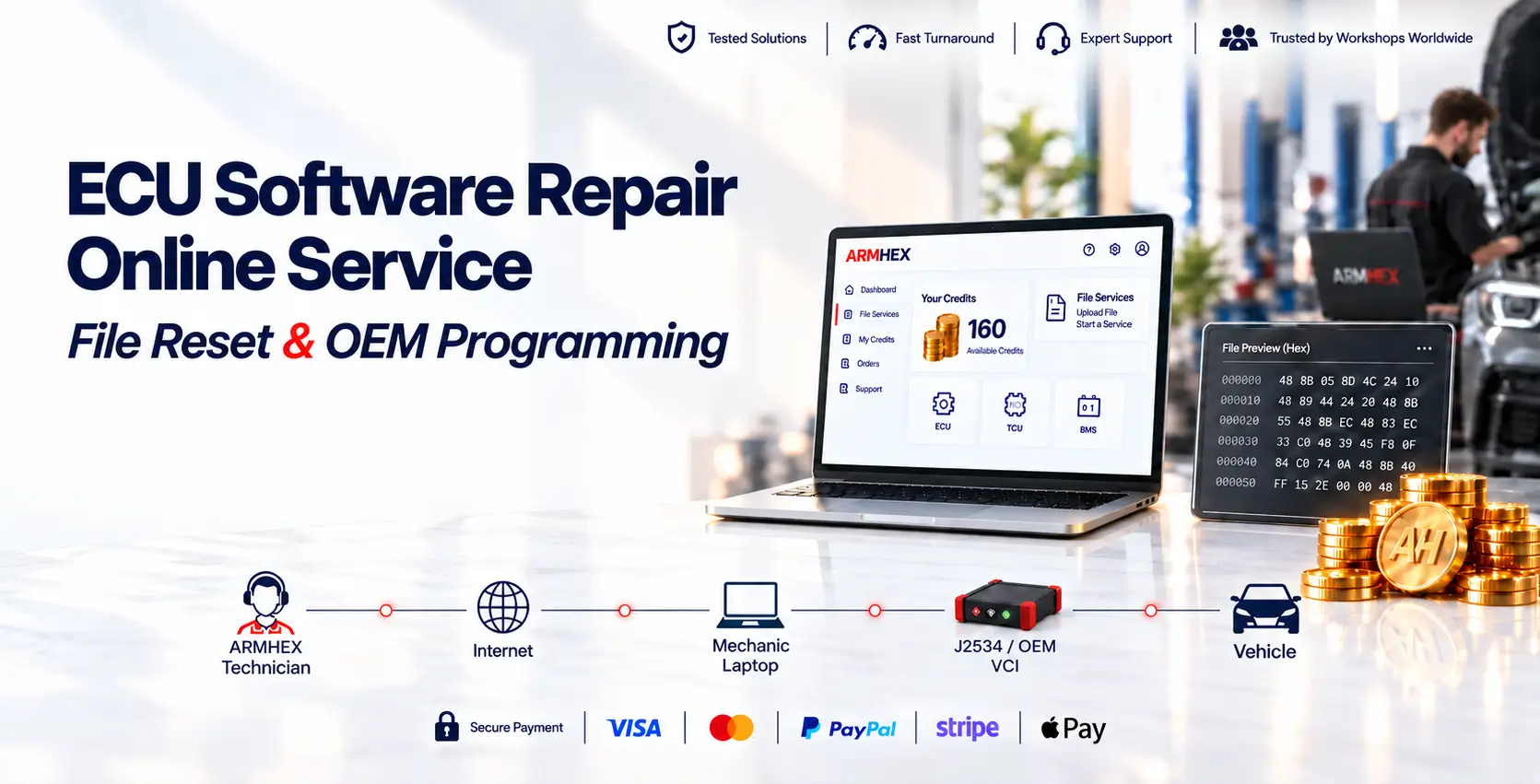
What are Credits?
Credits or Points are the account balance used for supported modules' software repair, reset, and file-processing services like ECU, TCU, BMS, SRS, and so on.
Can I use credits for remote programming or coding?
No. File-service credits are separate from remote programming and coding. Remote services are quoted based on the vehicle, service type, and required procedure.
Why does remote programming pricing vary?
Pricing can vary based on vehicle, module, software level, country, OEM access requirements, diagnostic interface and the exact programming or coding procedure.
Can I get a price before booking?
Yes. You can always check the price on the desired service page or contact us and provide vehicle details, the required service, and available tools. ARMHEX can confirm compatibility, requirements, and pricing before booking.
Which credit package is best for workshops?
Your credits never expire. Larger packages lower the cost per credit. The VIP Plan includes our fastest, most advanced support and exclusive access to new solutions unavailable with other plans.
How many points or credit do I need?
Each file service requires a different number of credits. Select the service or part number to see how many credits you’ll need.
Larger credit packages cost less per credit, so you pay less for the same file service.
For example, 30 credits cost $29,99 in the basic plan, while the same credit price is $17 in the VIP plan.
Does the credits expire?
No, the unused credits remain in your account.
How the guarantee works?
If you experience an issue after using a processed file, please contact us and send photos and fault codes where available. We’ll review the file and help you troubleshoot.
The cause may be the ECU hardware or another part of the vehicle, which we cannot inspect or control remotely.
We trust our customers: if the issue remains unresolved, we’ll return the points used for that file service to your account, even when we cannot confirm the cause.