Video Works Only While Parked
Factory video plays while stationary but becomes restricted once the vehicle moves.

WhatsApp Support: +1 (657) 229 1838
Unlock the factory Video in Motion (VIM) restriction on compatible Mercedes-Benz infotainment systems through remote coding. For supported vehicles, the service is completed through the diagnostic connection without replacing the factory head unit.
Everything you need for Mercedes VIM activation.
Many Mercedes infotainment systems allow supported video playback while stationary but automatically restrict the picture once the vehicle begins moving. Our Mercedes Video in Motion coding service changes the applicable VIM restriction on supported COMAND/NTG systems remotely. NTG5.2 and NTG5.5 are among the systems commonly associated with diagnostic VIM coding.
Factory video plays while stationary but becomes restricted once the vehicle moves.
Supported factory media sources may be blocked by the vehicle's motion-related playback restriction.
The head unit supports video, but the factory Video in Motion limitation remains active.
Technicians and owners commonly describe the same request using different terms, including VIM activation, video while driving, DVD in motion, DVD Free, TV Free, COMAND video unlock, or speed lock removal.
Video in Motion (VIM) is the common coding term for changing the factory motion-dependent video playback restriction in a compatible Mercedes infotainment system. It does not install Netflix, YouTube, a TV tuner, DVD hardware, or additional video inputs. It changes the applicable playback restriction for video sources already supported by the vehicle. This distinction is important for both accuracy and conversion: customers should understand that VIM unlocks an existing capability; it does not create hardware capability that the head unit does not have.
After successful VIM coding, the applicable factory motion-related video restriction is changed on the supported infotainment system.
Supported video works while stationary, but the picture is restricted when the vehicle moves.
The applicable factory VIM restriction is coded for the supported video source.
Access the supported AMG Performance Menu and sport displays directly through your existing Mercedes infotainment system or digital instrument cluster.
Use the compatible video functions already available through the original Mercedes infotainment system.
For supported vehicles, the procedure can be completed remotely through the diagnostic connection without installing an aftermarket display.
Compatibility should not be promised by chassis alone. Mercedes used different infotainment systems and software versions within the same chassis, so the VIN, head-unit type, and software configuration should be checked before purchase.
W205 C-Class, S205 C-Class Estate, C205 C-Class Coupe, A205 C-Class CabrioletW213 E-Class, S213 E-Class Estate, C238 E-Class Coupe, A238 E-Class CabrioletW222 S-Class, C217 S-Class Coupe, A217 S-Class CabrioletX253 GLC, C253 GLC Coupe, W447 V-ClassW212 E-Class, S212 E-Class Estate, C207/A207 E-ClassW204 C-Class, C204 C-Class Coupe, X204 GLKW166 ML/GLE, X166 GL/GLS, C292 GLE CoupeOther Mercedes COMAND/NTG applications — VIN verification requiredA clear 5-step remote path — from compatibility check to post-service guidance.
Any remote session starts here. Contact us on WhatsApp, send the VIN, and check compatibility.
Buy the service and schedule the service at your best time. We will send you the remote session software.
Prepare everything for a safe remote session.
We contact you on WhatsApp and start a remote session.
We verify the results, confirm the module operates correctly, and clear any applicable errors.
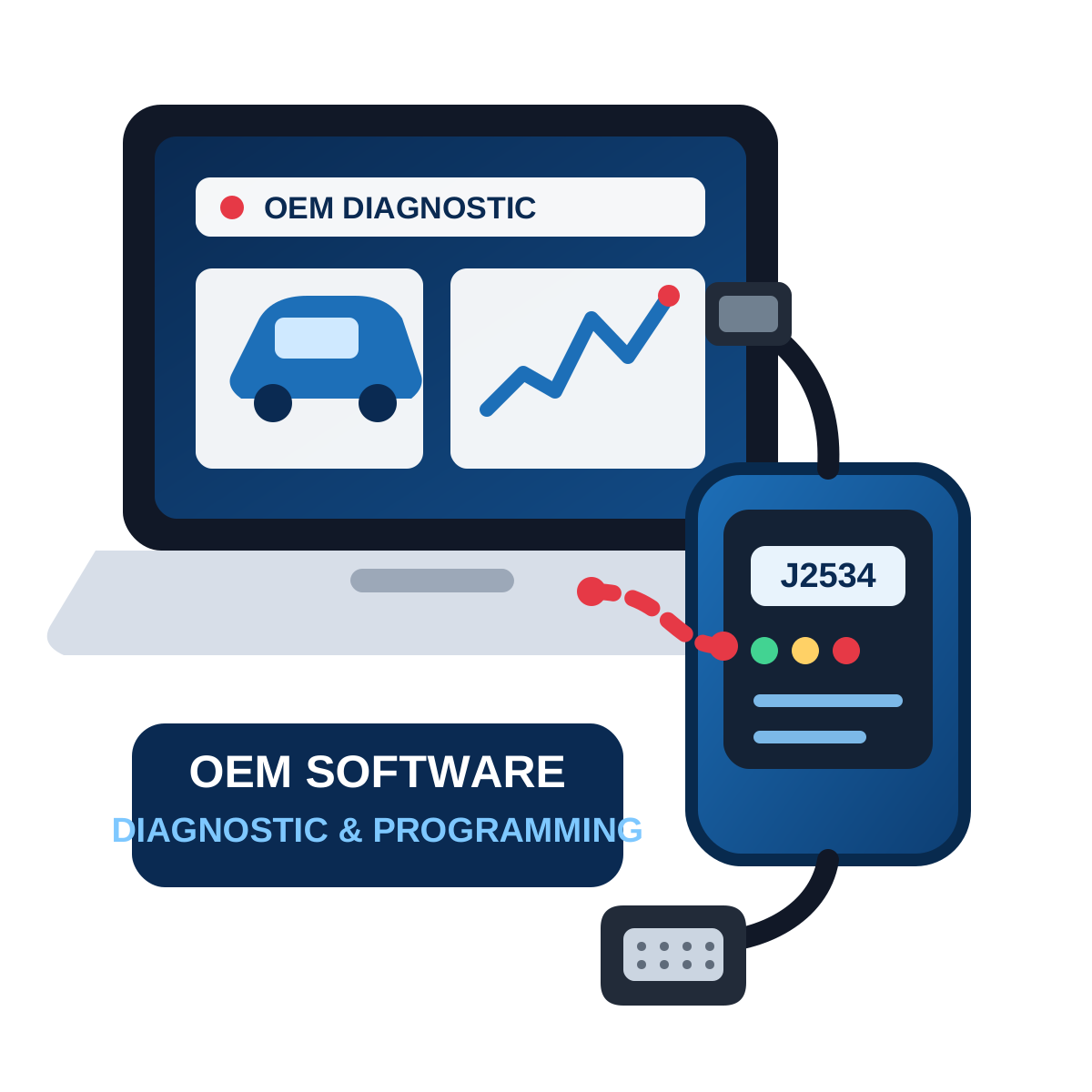
OpenPort, C4, C6, ENET, or another supported device
Stable Internet & Windows
ArmHex Remote Session Software
Battery Maintainer (Battery Support)
You may need J2534 compatible & USB Adapter (Contact us)
Minutes for the most compatible models.
Video in Motion, commonly called VIM, refers to changing the factory restriction that prevents supported video playback while the vehicle is moving.
Usually, these terms describe the same general function. Technicians also use DVD Free, TV Free, Video While Driving, VIM coding, and COMAND video unlock.
On supported vehicles, yes. The coding can be performed remotely using a Windows laptop and compatible diagnostic interface.
Normally not for supported remote-coding applications.
No. VIM changes a playback restriction; it does not add missing video hardware or media capabilities.
Some NTG5 applications support VIM solutions, but compatibility depends on the exact head unit and software.
VIM solutions are documented for NTG5.5 applications, including diagnostic/OBD activation.
If the vehicle already supports the relevant DVD/video source and its configuration is compatible, the applicable motion restriction may be coded.
Potentially, if the vehicle already has compatible factory TV hardware. VIM does not install a TV tuner.
No. VIM itself does not install streaming apps. It changes the vehicle's applicable factory video playback restriction.
Send us your 17-digit VIN. Head-unit generation and configuration should be verified before booking.
Most supported remote coding sessions can be completed in a relatively short session, although the exact time depends on the vehicle, interface and software configuration.
Rules differ by jurisdiction. Video visible to the driver while driving may be prohibited. The function should be used by passengers or where otherwise legally permitted.
No. The driver should never watch an entertainment video while operating the vehicle.
Yes
ASE Expert Programming
OEM-Level Programming

ArmHex is a BBB-Accredited Business
100% Guaranteed to Work
Unlock the applicable factory video restriction on your compatible Mercedes through remote VIM coding. Send your VIN → Confirm Compatibility → Start Remote Coding Passenger/off-road use where legally permitted. Never watch entertainment video while driving.
 $149
$149
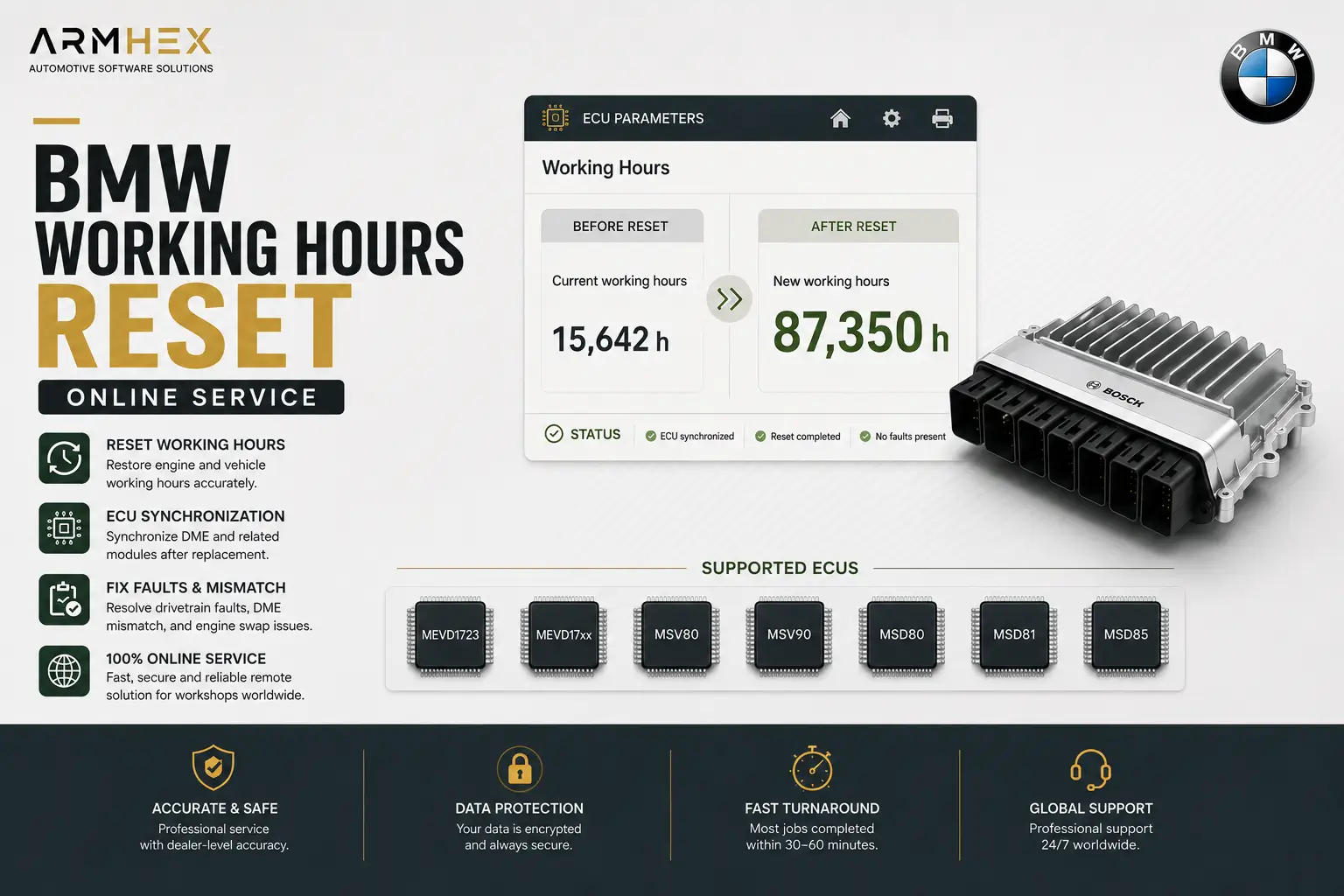
Professional BMW working hours reset and ECU synchronization online service for MEVD1723, MEVD17xx, MSV80, MSV90, MSD80, MSD81, MSD85 ECUs.…
View service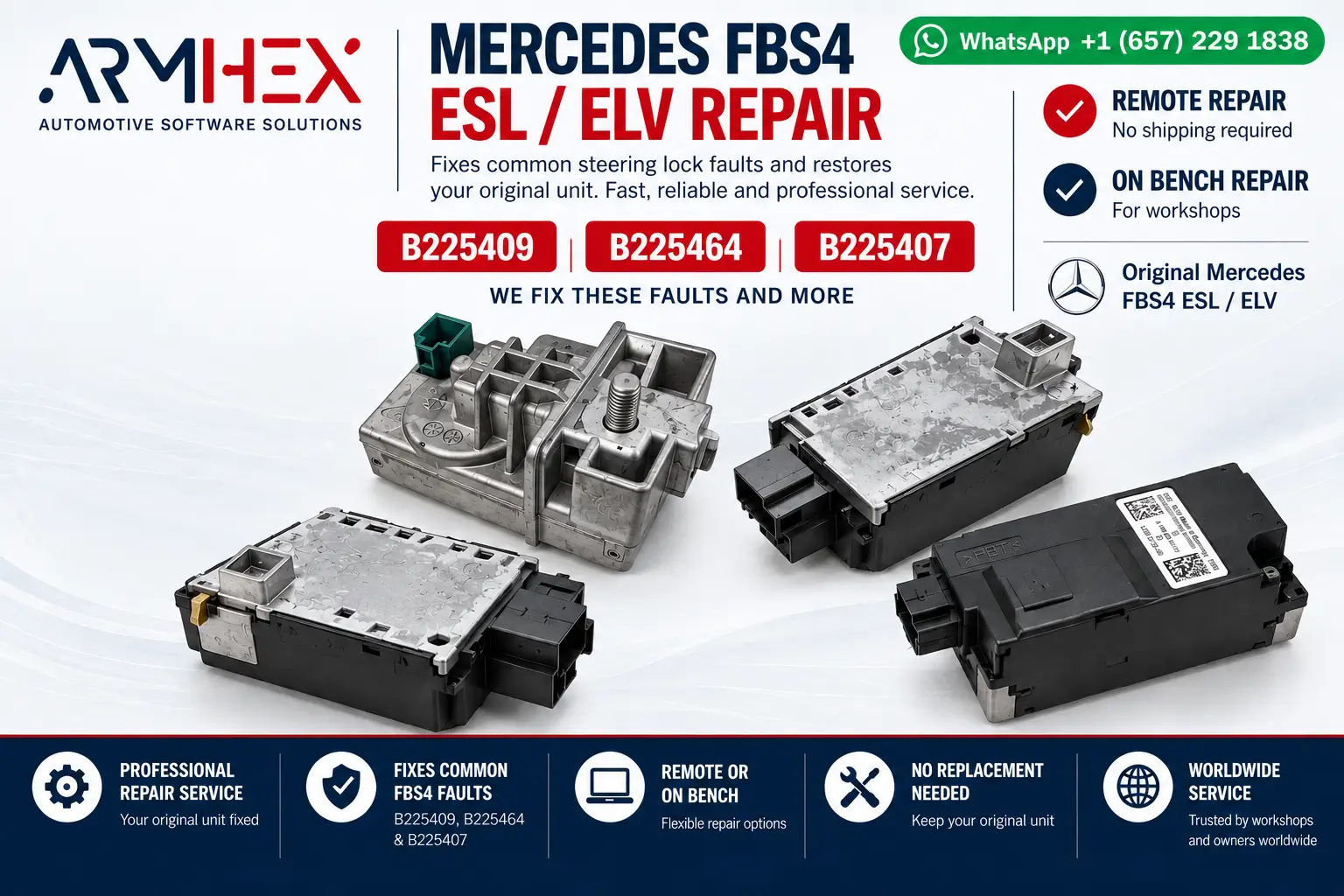 $200
$200
Mercedes FBS4 ESL/ELV remote repair for B225409, B225464 & B225407 faults. Original steering lock repair via OBD or direct connection. No re…
View service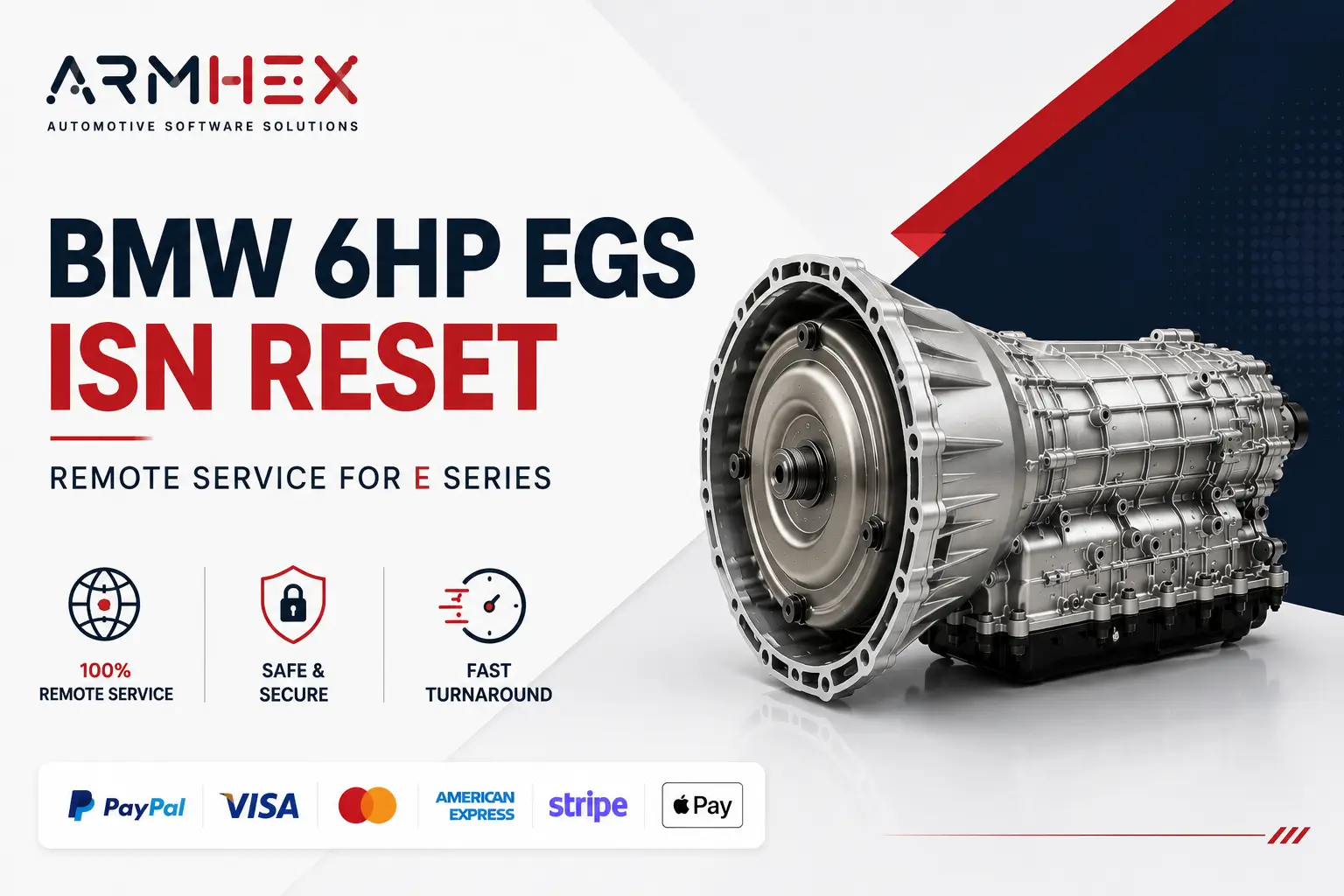 $149
$149
Professional online remote BMW E Series used 6HP transmission EGS ISN reset service. Virginize used mechatronic and TCU modules, synchronize…
View service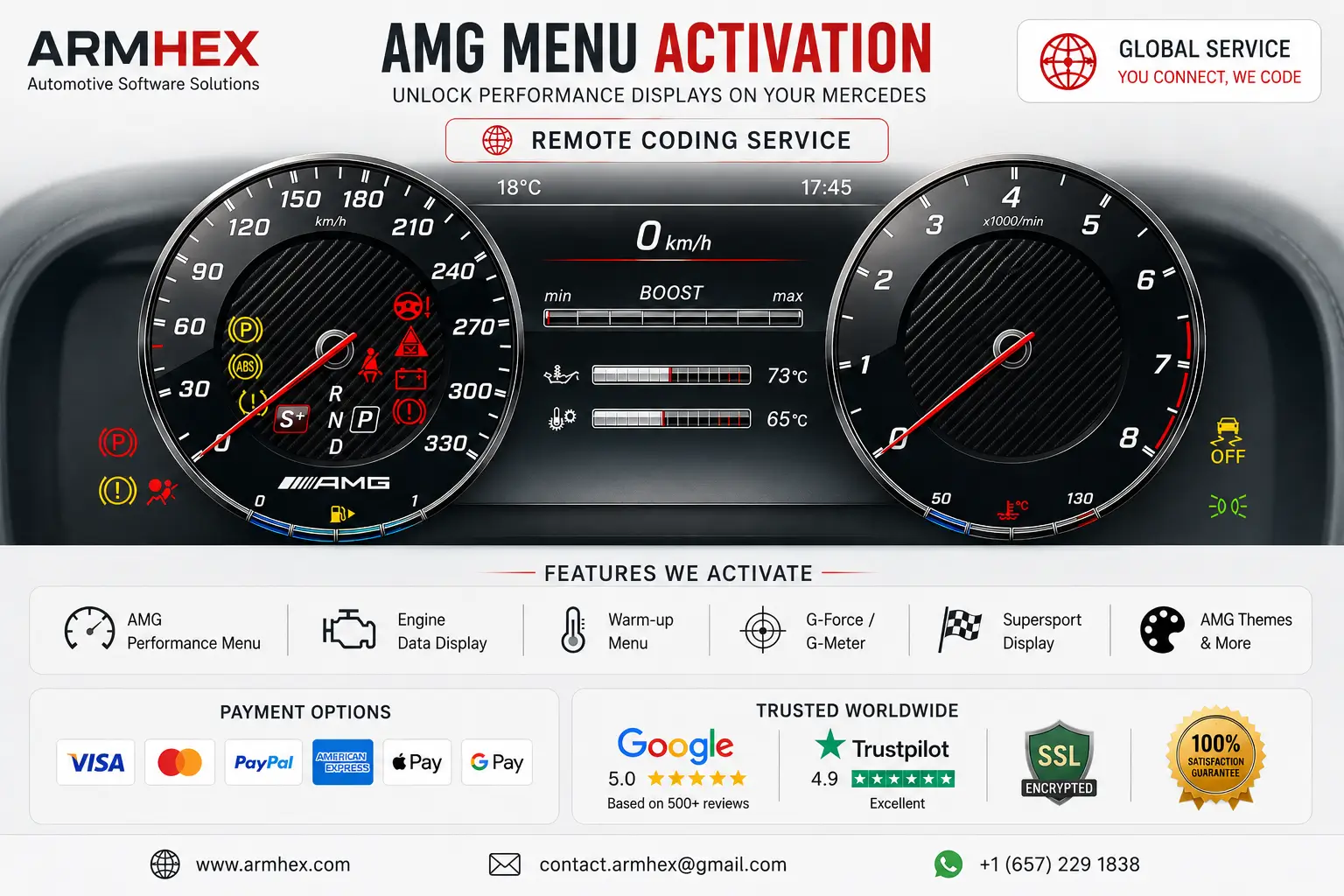 $250
$250
Mercedes AMG Menu Activation remote service. Unlock AMG Performance menus, displays, live engine data on the instrument cluster, and support…
View service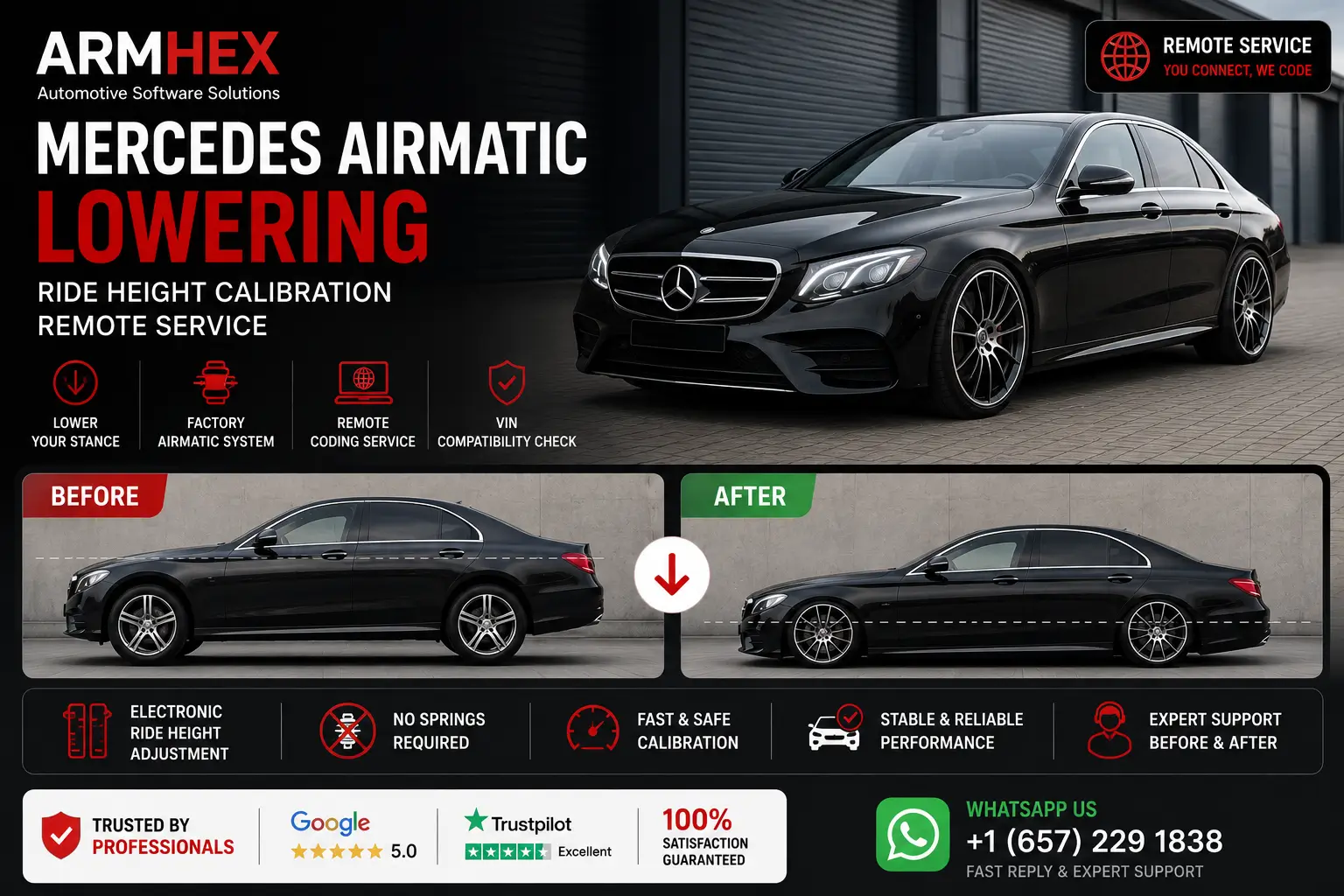 $250
$250
Mercedes AIRMATIC lowering remote online service. Recalibrate factory air suspension ride height for a lower stance through diagnostic codin…
View service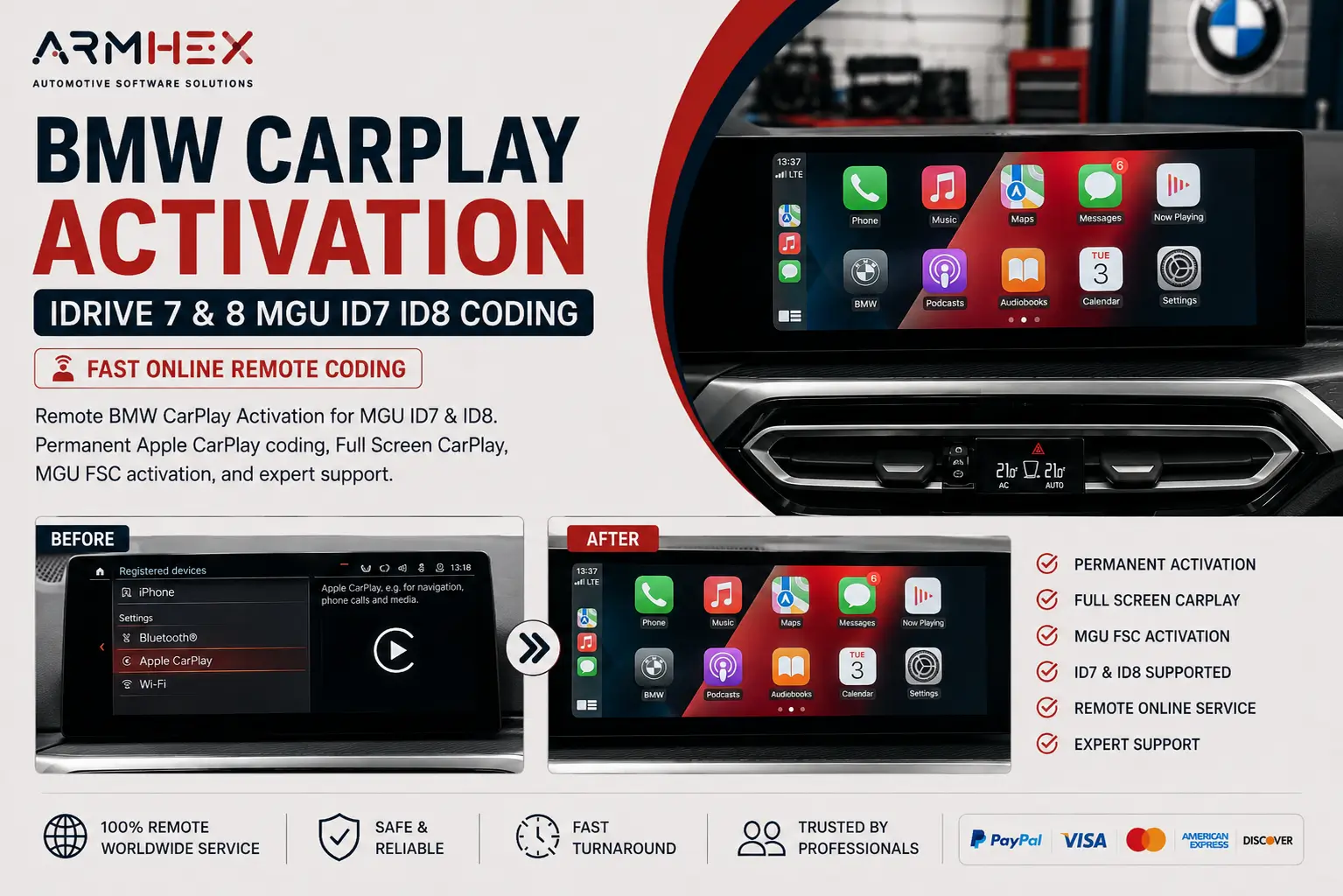 $250
$250
BMW Apple CarPlay Activation for iDrive 7 & 8 MGU ID7 ID8. Remote CarPlay coding, Full Screen CarPlay, and FSC activation with expert online…
View serviceGlobal Automotive Expertise
Remote automotive programming and technical support, connecting workshops with specialized experts wherever they are.